An ultrawide will make you a slightly better helicopter pilot in WARDOGS and a slightly worse infantryman. That trade is not the interesting part, and it is the only part most recommendations get to. The interesting part is that on the widest panels the game puts your minimap somewhere you cannot comfortably look at it, and there is no setting to move it.
That is the question r/WarDogs keeps asking. One thread from a player weighing a curved ultrawide drew 27 replies in four days, and the shape of it is always the same: it looks incredible for helicopters, but does it cost me anything on the ground?
Here is the honest answer, what the people already running one say after living with it, and the number that should actually decide the purchase.
Which monitor should you buy for WARDOGS? Three, for flying, fighting and a budget
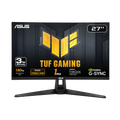 ASUS TUF Gaming VG27AQ3ABest all-roundThe 16:9 answer: 1440p at a refresh rate a mid-range card can actually feed, with the HUD still where you can read it.27in 1440p 180Hz - Amazon
 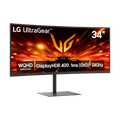 LG 34G630A-B UltraGearIf you fly21:9 rather than 32:9, so you gain the horizon in the cockpit without pushing the interface out of reach.34in 3440x1440 240Hz curved - Amazon
 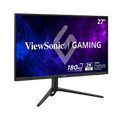 ViewSonic VX2728J-2KCheaper routeThe same resolution and refresh rate as the pick, for less, if you would rather put the difference into a graphics card.27in 1440p 180Hz IPS - Amazon
 Buy the ASUS if you mostly fight, the LG if you mostly fly, and the ViewSonic if the money is better spent on the card driving it. All three are 1440p, because that is the resolution the beta reports cluster around and the one your frame rate has the best chance of surviving.
Note what is missing from that list: nothing at 32:9. The widest panels push the interface out to the edges of the screen with no setting to bring it back, which is the problem the next section is about — and it is a real cost for width you mostly cannot use on foot.
The criteria, in the order they matter for this game:
| Priority | What to look for | Why it matters here |
|---|---|---|
| Frame rate headroom | A refresh rate your card can feed at the resolution you pick | Your graphics card decides this, not the panel — the numbers are further down |
| Resolution | 1440p is the sweet spot most beta reports run at | The reported low-end configurations land here too |
| Aspect ratio | 21:9 if you fly, 16:9 if you fight | 32:9 moves the HUD beyond comfortable reach |
| Return window | Non-negotiable on anything wider than 21:9 | Adaptation is personal and a month in is too late to find out |
Buy the ultrawide if your hours go into the cockpit, you have the card to drive it, and you can send it back — a return window is the one non-negotiable here, because whether you adapt to that much screen is personal and a month in is too late to discover. And if you are choosing between width and refresh rate on a fixed budget, take the refresh rate — this is a game where the thing that kills you is a small shape at distance, and frames make that shape easier to hit than width does.
It helps in the cockpit, not in the firefight
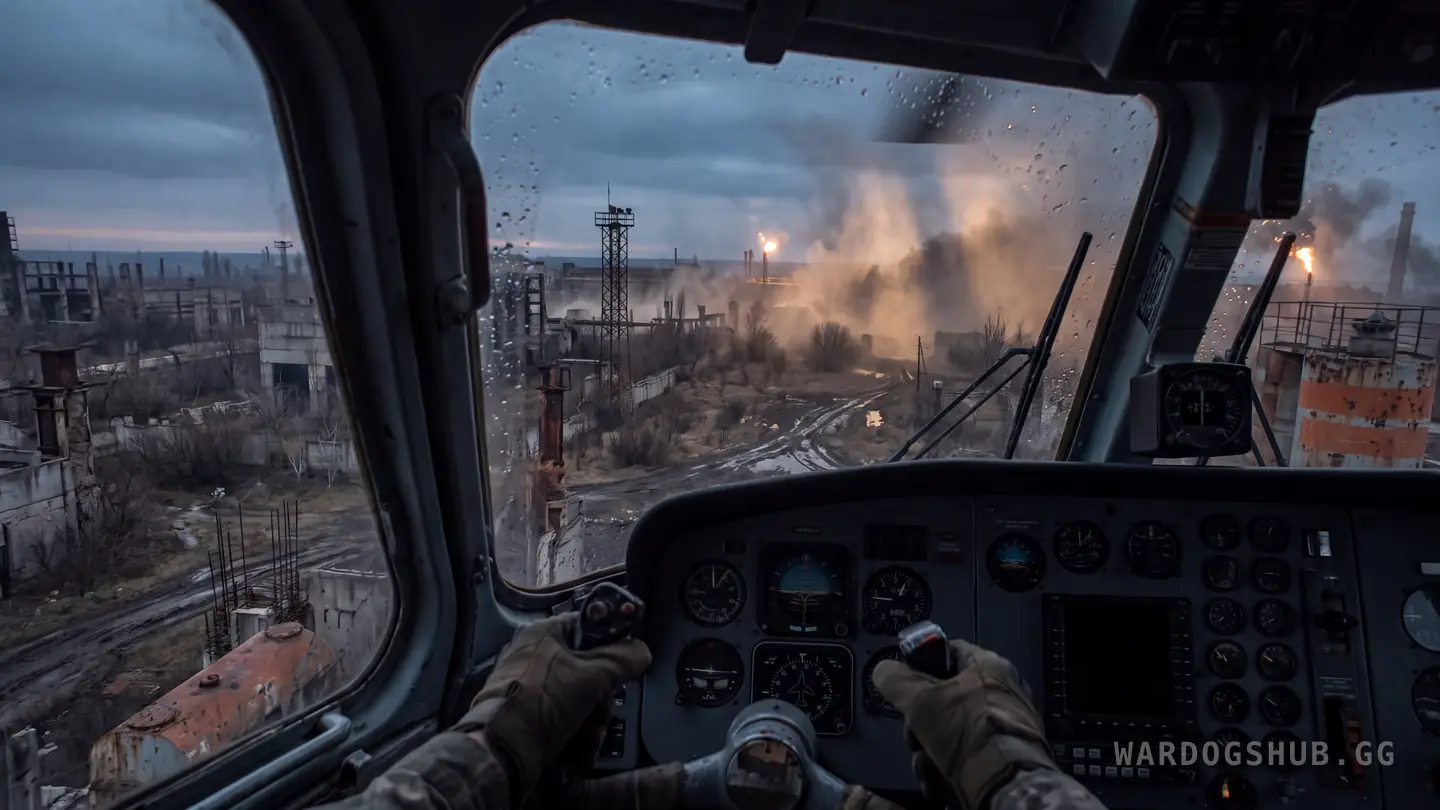
The case for width is strongest where you are reading distance across a wide scene, and in WARDOGS that means flying. You are judging closing speed on a treeline, watching for the tracer coming up at you from somewhere off to the side, and picking a landing spot while three other things are happening. More horizon is genuinely useful there, and the players who fly most are the ones who talk about it most.
On foot it is close to neutral. The thing that kills you in an infantry fight is nearly always already near the centre of your screen, and the extra width is mostly forest you are not looking at. It is not a handicap — nobody reports getting shot because of the aspect ratio — but if you are buying a monitor to win gunfights you are buying the wrong upgrade.
The downside worth stating plainly: on a very wide panel, every pixel your card is pushing to the far edges is a pixel it is not spending on frame rate. Width is not free, and the wider the panel the more it costs you.
If your hours go to helicopters and the vehicles rather than to holding a building, the case is real. Otherwise it is a nice screen, not an edge.
At 32:9 the HUD sits in the corner of your eye
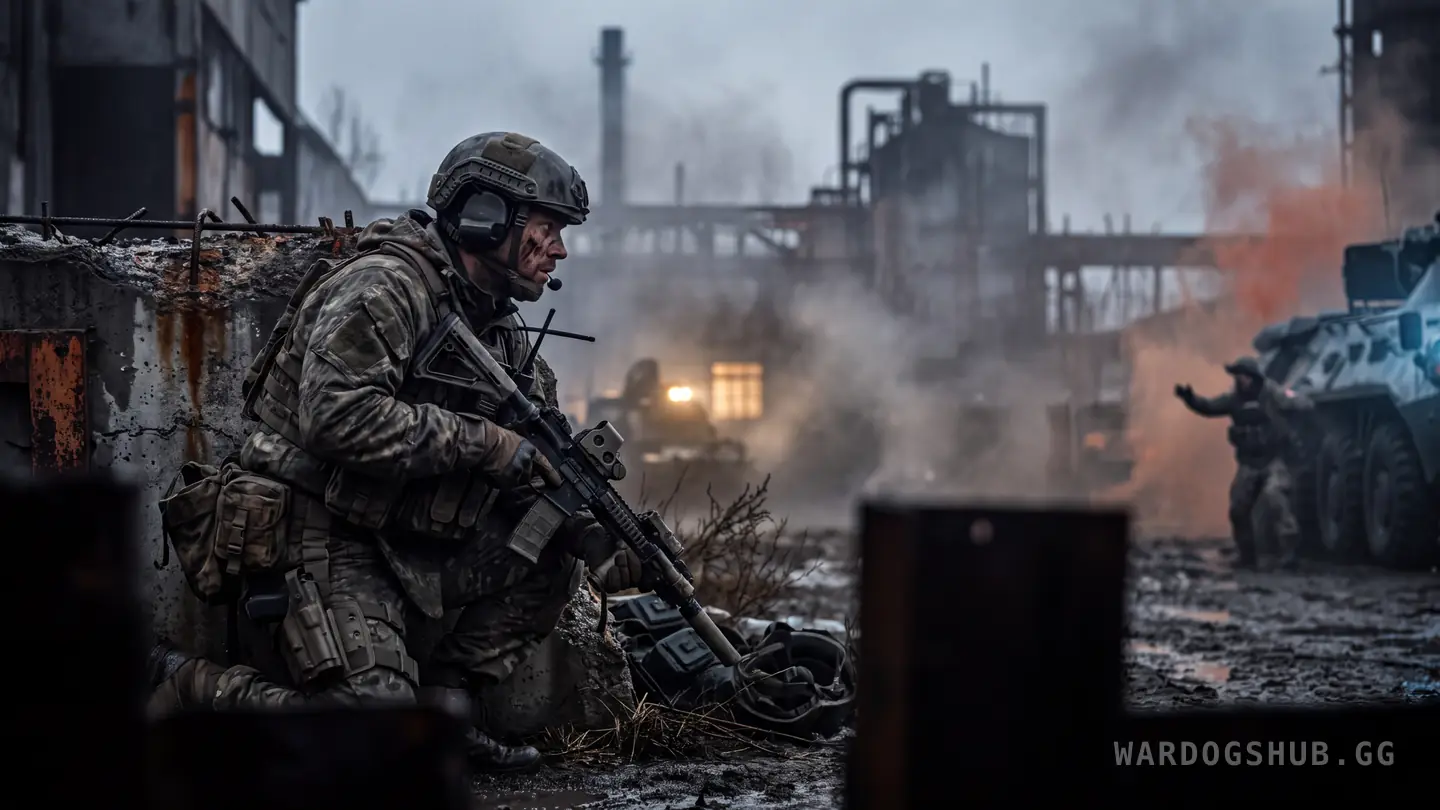
This is the complaint nobody mentions before you buy, and it gets louder the wider you go.
WARDOGS anchors its interface to the edges of the screen. On 16:9 that is fine, because the edges are near enough to take in without moving your head. Stretch the same layout across 5120x1440 and the minimap, the indicators and the compass all travel out to the far sides, where they sit in your peripheral vision instead of your view.
One player running that resolution asked for exactly what modern games have started to offer — the ability to pull UI elements inwards, as though padding the sides of the screen. Their own framing was that being able to bring the interface back inside a 2560x1440 box would be ideal, and that even 3440x1440 would help. A second player on a 32:9 panel asked for HUD scaling in almost the same words.
Neither has an answer yet. There is no UI positioning or HUD scale option, so at present the wider your monitor, the further your interface is from where you are looking. On 21:9 this is a minor annoyance. On 32:9 it is the thing you will notice every match.
What super-ultrawide owners say after a month
Worth hearing from someone past the honeymoon. One WARDOGS Discord member, a month into a super ultrawide, said flatly that they are still not used to it and are considering going back to 16:9 and demoting the wide panel to a second monitor.
That is one person, and plenty of others are delighted. But it is the failure mode to know about before you spend: the width that reads as spectacular in a trailer is a lot of screen to keep track of in a game where the thing that matters is usually small, distant and moving. Some people never adapt. There is no way to know which kind you are until it is on your desk, which is an argument for buying from somewhere with a return window rather than for buying a narrower panel.
The setups that seem happiest are the ones built around flying. One player described running a 34-inch curved ultrawide alongside desk-mounted flight controls — the picture there is of somebody who bought the monitor to fly, and flies.
The second-monitor bug that will cost you gunfights
If you are adding an ultrawide next to an existing screen rather than replacing it, know this one first.
Players report that in fullscreen the cursor can escape onto the second monitor mid match. A click during a fight then tabs the game out entirely, and the fight is over. One player said it had happened to them repeatedly in gunfights and could not find anything about it when they searched.
Bulkhead has not published a fix and it is not in any patch notes, so treat it as reported rather than solved. Borderless or exclusive fullscreen behaviour varies by setup, and it is worth ten minutes of testing on your own machine before you rely on the arrangement in a match that matters.
Refresh rate is the number that should decide this
Here is where most monitor advice for this game goes wrong. It argues about panels when the constraint is the machine behind them.
Our spec checker rates a graphics card against a recommended index of 125 and a minimum of 54, with processors on 165 and 100. Those thresholds are what decide whether you hold a high frame rate at all. A card sitting near the minimum will not feed a 240 Hz panel no matter how wide or how curved it is, and a very wide panel makes that worse rather than better, because you have handed the same card substantially more pixels to draw.
So the order is: work out the frame rate your machine can actually hold at the resolution you are considering, then buy a refresh rate that matches it. Buying the panel first and hoping is how people end up with a beautiful screen running at 50 frames.
The counterweight is that WARDOGS runs better on modest hardware than its looks suggest. Players have reported holding 40 to 60 frames at 1440p on parts that are more than a decade old. That is unconfirmed and it is one configuration, but it means the picture is not as bleak as the recommended figures make it sound.
The settings row that makes an expensive monitor beside the point
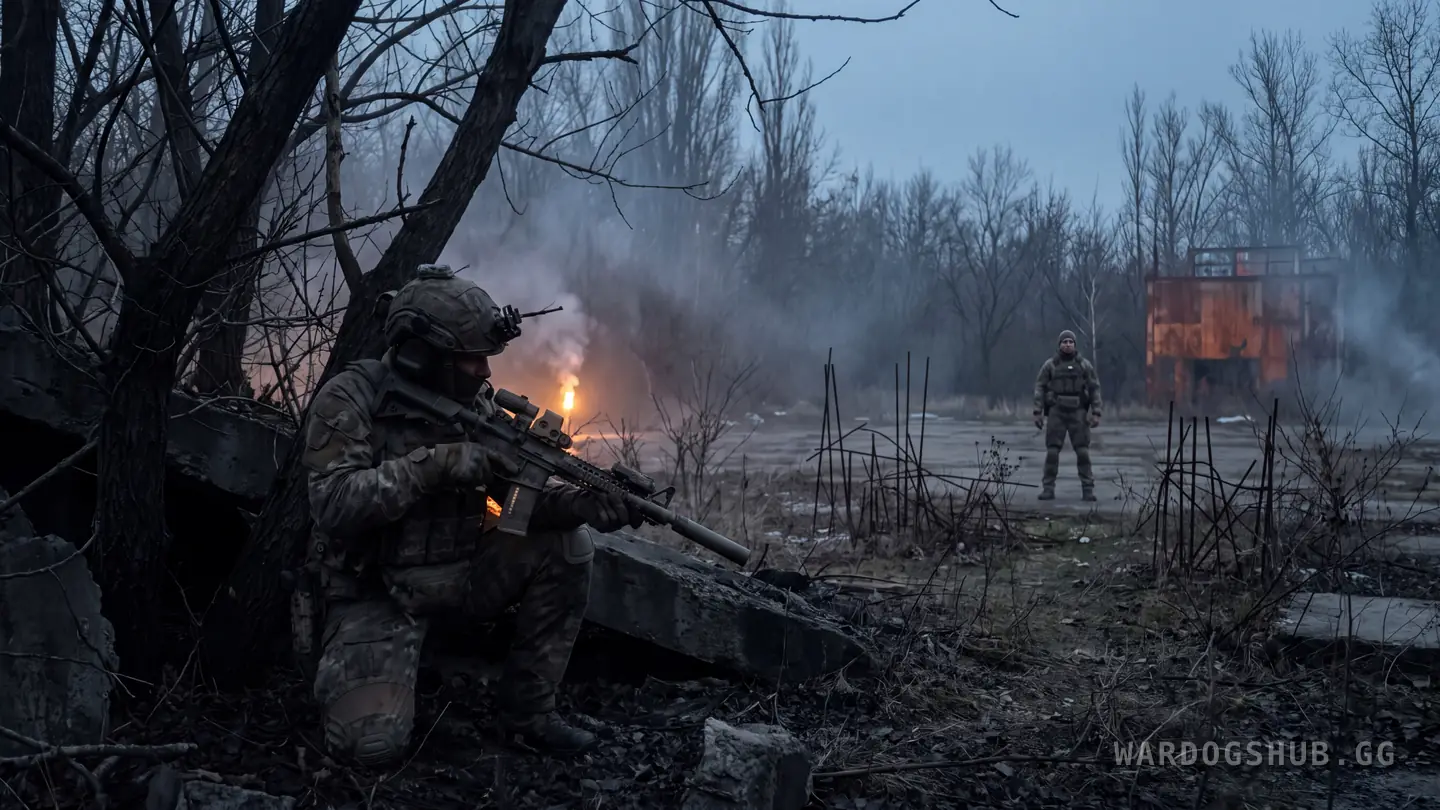
There is a real fight in the community about graphics presets, and it bears directly on whether a monitor upgrade buys you anything.
The complaint is that the lowest presets strip out shadow and foliage detail to the point that players using them can see enemies that players on high settings cannot. A thread arguing that low-detail shadows should be removed for fairness drew 476 upvotes and 197 comments. Another, asking Bulkhead to lock the lowest presets to genuinely low-end hardware, drew 141. A third put it more bluntly, calling it cheating rather than optimisation.
Bulkhead has not ruled on it. Until they do, the visibility advantage in WARDOGS is sitting in the graphics menu rather than in the display, and it is available to anyone regardless of what they spend. A wider, faster, more expensive panel does not buy it back.
That is not a reason to avoid a good monitor. It is a reason to be honest about the order of things: settings first, frame rate second, panel third.
What we still do not know
Bulkhead has not published a supported resolution list, has not commented on UI positioning, and has not addressed the presets argument. There is no colourblind option for red and green, which several players have asked for and which affects readability on any panel. All of the behaviour described here comes from Closed Beta players, and Early Access on 10 September 2026 may change any of it.